


 EasyDown
Video & Music Downloader
Safe and Lossless
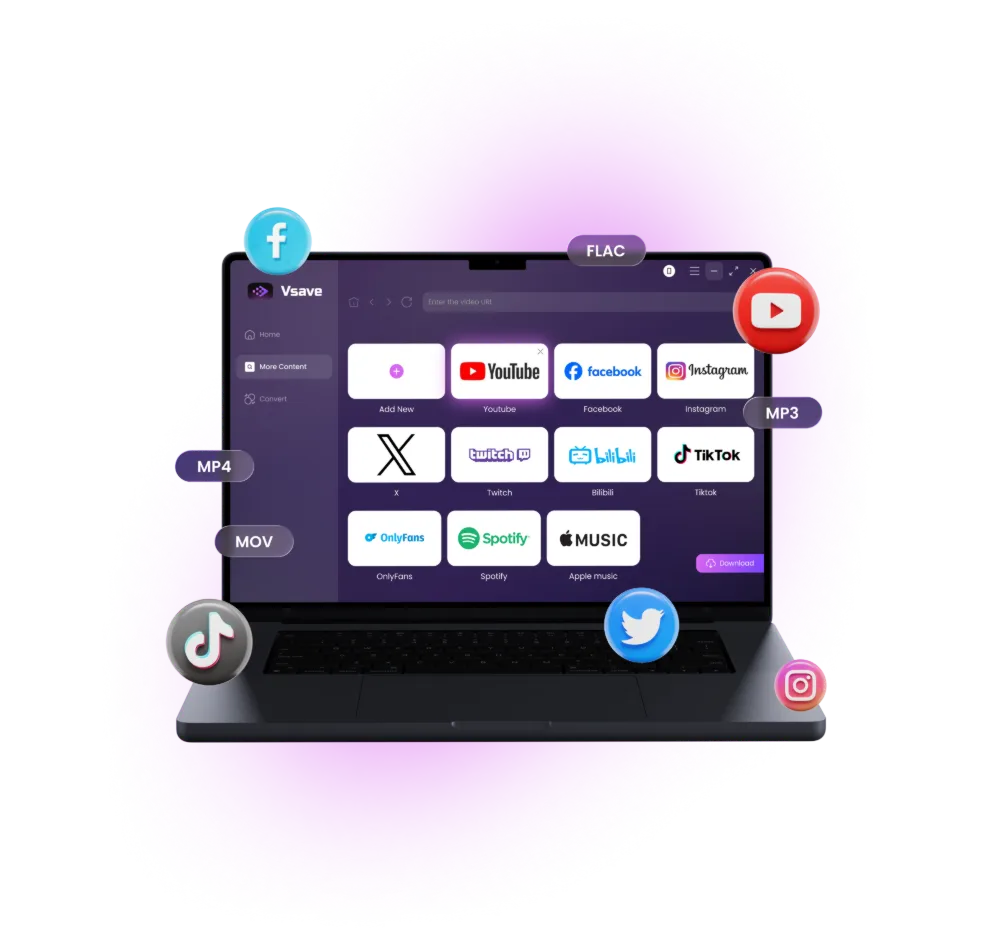
- Compatible with major platforms including YouTube, NicoNico, Apple Music, Spotify, TikTok, and Twitter
- Supports batch downloads of playlists, channels, singles, albums, podcasts, and more
- Lossless high quality, quickly save 4K videos and 320kbps audio
- Easy to use, just paste the URL to quickly find and download the video or music you need
- No account login required, keeping your privacy completely safe
- Completely ad-free, and downloaded videos contain no watermarks
 50%OFF
Use EasyDown only to download content you legally own for personal use. Illegal downloading, sharing, or commercial use is strictly prohibited.
-
- 0
- 0
Support Sites -
- 0
- 0
Satisfied Users -
- 0
- 0
Video Downloads -
- 0
- 0
Video Conversions
Virus-Free Certified I Rating
Take Control of Your Favorite Videos & Music
Streaming videos may be removed or restricted, but with our video downloader, your content stays secure and accessible forever.
Permanent Content Storage
Safely store files locally—enjoy forever, even if originals are deleted or subscriptions end.

Multi-Device Transfer
Freely transfer files to phones, MP3 players, or any device. No limits on the number or type of players.

Batch Downloads & 4K HD
Download multiple files at once while maintaining their original quality, including 4K HD videos.
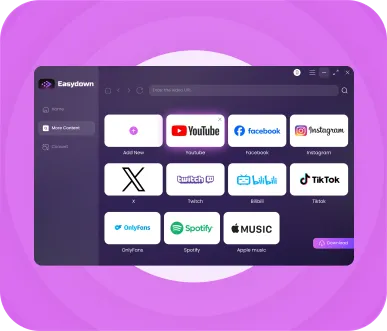
One Downloader for All Major Platforms
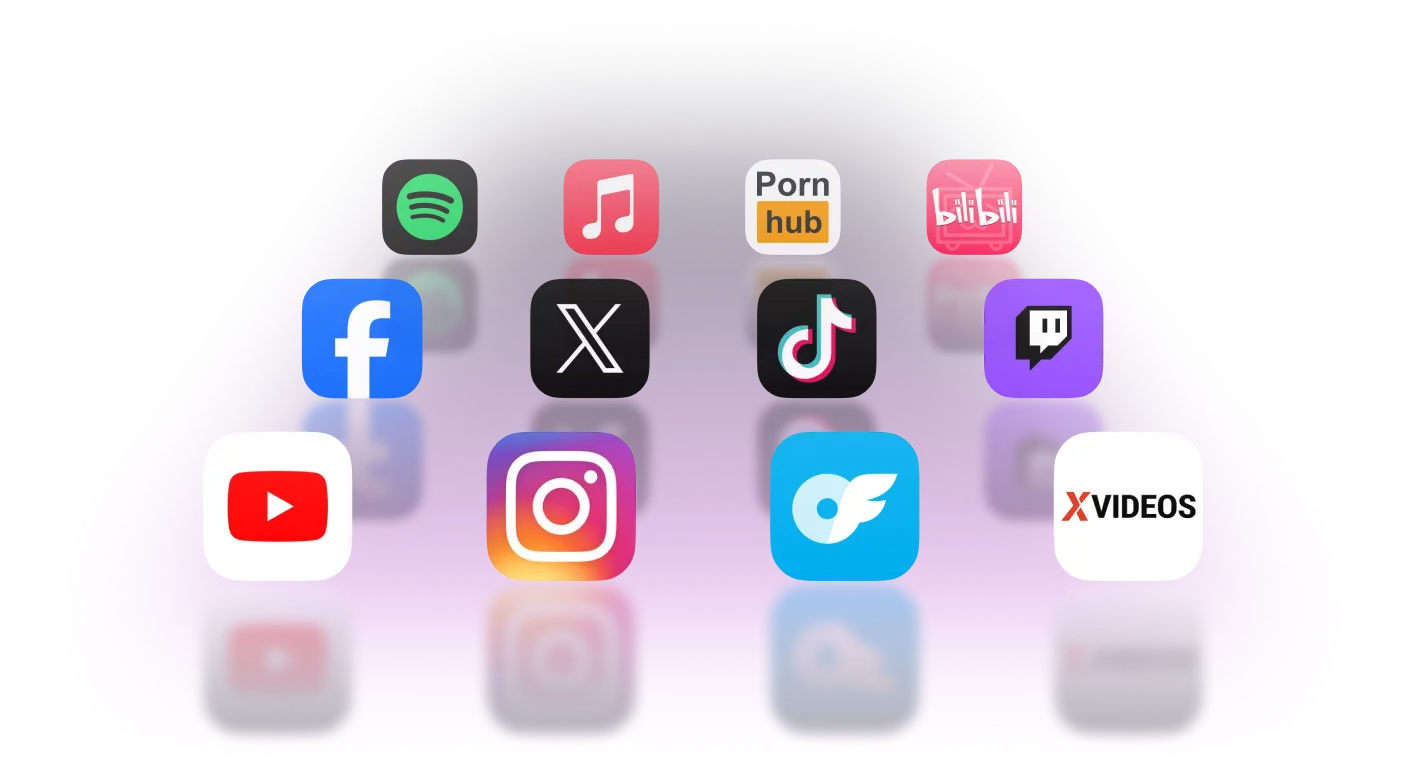
EasyDown supports 1,000+ websites for video and music downloads, and the list keeps growing

Video Sites
YouTube, TikTok, Twitch, Vimeo, NicoNico, Tver, Dailymotion, Bilibili, and more

Music Platforms
Spotify, Apple Music, YouTube Music, Amazon Music, SoundCloud, LINE Music, and more

Social Media Platforms
Twitter, Instagram, Facebook, and others

Your Favorite Webpages
use the Add New tab to save your frequently visited sites and access them with a single click
Flexible Download Options to Meet Your Needs
- Paste URL
- Built In Browser
-
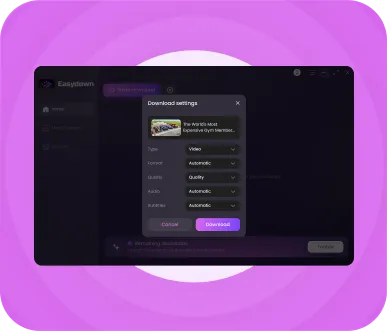
Paste URL and Download in One Click
Copy the link, paste it, and click download to save your video or music in seconds. You can also paste playlist or album links to download everything quickly and easily.
-
Built-in Browser for Seamless Downloading
Access YouTube, TikTok, Spotify, and other streaming platforms directly in the software. Download videos or music while watching or listening without switching apps.
Also A File Converter for Any Format
You can choose your preferred format when downloading or convert local files with ease, ensuring compatibility with all device or player.

Supported Video Formats
MP4、MOV、AVI、WMV、FLV、MKV

Supported Audio Formats
MP3、M4A、MKA、WAV、AAC、FLAC
Powerful Features to Make Downloading Easier

Multiple Quality Options
Choose video and audio quality freely, from 360p to 4K video and 128kbps to 320kbps audio

High Success Rate
Optimized video & music analysis algorithms ensure smooth downloads with almost no failures

Regular Updates
Continuous updates keep the downloader compatible with the latest video and music platforms

No Account Required
Most video and music downloads do not require logging into any platform, ensuring privacy and security

Batch Analysis and Download
Save an entire YouTube channel or Spotify playlist with one click, or select only the files you need for faster downloads

Keep Original Information
Video thumbnails are saved automatically, ID3 tags remain complete and lyrics can be downloaded in LRC format

High Speed Download
Multi-thread acceleration completes downloads in about 20 seconds without affecting your computer or other programs

Multi Language Support
Fully localized interface supporting multiple languages. Choose subtitles and audio tracks in your preferred language when downloading

Free Trial VS Pro Version
| Features | Free Trial | Pro Version |
|---|---|---|
| Download Full Videos & Music | Number of Times Limit | Unlimited |
| Batch Downloads | File Limit | Unlimited |
| Download Speed | Standard | 5X Faster |
| Watermark-Free | ||
| Multi-language Subtitles & Audio Tracks | ||
| Metadata & Lyrics | ||
| Video/Audio Quality Options | Original Quality, Up to 8K/320kbps | Original Quality, Up to 8K/320kbps |
| Supported Websites | All | All |
| Regular Updates & Priority Support | ||
How To Download Videos / Audios
 Android 7-16
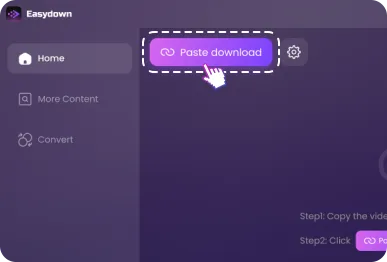
Copy a video URL and plaste
Copy the video URL and click "Paste download" on the Vsave video downloader.
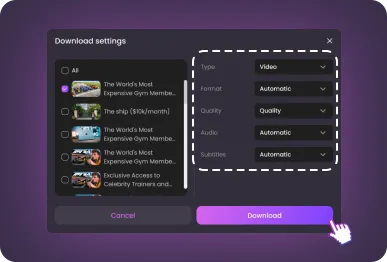
Customize your downloading
Set up the video or audio format as well as the quality you prefer, and then click "Download".
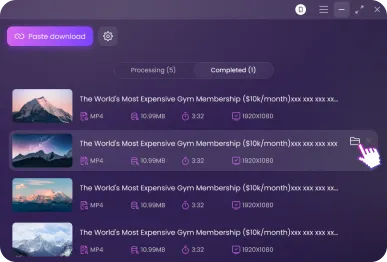
Store and enjoy the video
When the video download is completed, check to store the video wherever, and enjoy it whenever though offline.
Product Reviews From Our Partners & Users

“ EasyDown embraces a minimalist design, making the download process astonishingly simple. Just copy and paste a video link, and the system instantly recognizes it, offering download options. It’s the perfect choice for tech novices ”

Anna L
“ I use EasyDown mainly for saving online lectures from YouTube. Having offline access helps me a lot when revising. The tool is straightforward, no ads, no distractions. I like that I can also extract just the audio when I only need to listen while commuting. ”

“ Since using EasyDown, I’ve saved all my favorite playlists from YouTube, viral TikTok videos, funny compilations from Facebook, and even Reels from Instagram ”

Mark T
“ As a big music fan, I was looking for a way to keep my playlists offline. Vsave works across platforms like Spotify and YouTube, which is amazing. The free version already offers full downloads, which was a nice surprise. Later I upgraded for faster batch downloads. Great value for money ”

EasyDown is designed with user safety in mind. Unlike shady downloaders, it doesn’t ask for unnecessary permissions or require installations. Just paste your link, choose your format, and download safely

Carlos M
“ I travel a lot and often don’t have reliable internet. Vsave lets me download shows, podcasts, and playlists before I leave. The downloads are fast and I’ve never had corrupted files. It feels like a very stable, trustworthy tool ”

Download Any Video, Any Website
Ready to Own Every Video You Love? Download Vsave for free now!
50%OFF

7 Day Money Back Guarantee

100% Secure Virus-Free Guarantee

24 x 7 Free Tech Support

Cost-Effective Start Price
Hot Topic
More Tips-
Wav Ninja Alternatives: 5 Best YouTube to WAV Tools (2026)
-
How to Download YouTube Playlists to MP3 in Bulk (Fast & Safe)
-
Top 6 Convert YouTube to MP4 4K: Speed & Quality Test 2026
-
How to Download Youtube Videos - 2026 Complete Guide
-
5 Free Ways to Download YouTube to MP4 1080p [Mobile & PC]
-
Top 8 YouTube Playlist Downloader Online Tools (2025 Ranked)
-
How to Download Twitch Streams in 2026
-
How to Download Twitch VOD Faster
Frequently Asked Questions
More FAQs-
1. Can this downloader remove ads while downloading streaming videos online?
Yes! All videos downloaded with this tool are completely ad-free, so you can watch them offline on any device without interruptions.
-
2. Can I extract audio from a downloaded video?
Absolutely. While downloading a video, you can choose only to extract its audio. Besides, you can convert your local video files directly into an audio files.
-
3. Is there a Chrome extension for downloading videos at EasyDown?
No, there isn’t a Chrome extension available. This desktop software include a built-in browser—just enter the video or music URL to search and download with ease.
-
4. Where are the downloaded videos and audios saved?
It depends on your settings. By default, they are saved to the preset location, but you can also choose a custom folder. To locate a downloaded file, open the "Completed" category, hover the mouse over the corresponding item and click the folder icon.