


3 Simple Installation Steps to Start Your Video Downloading Journey
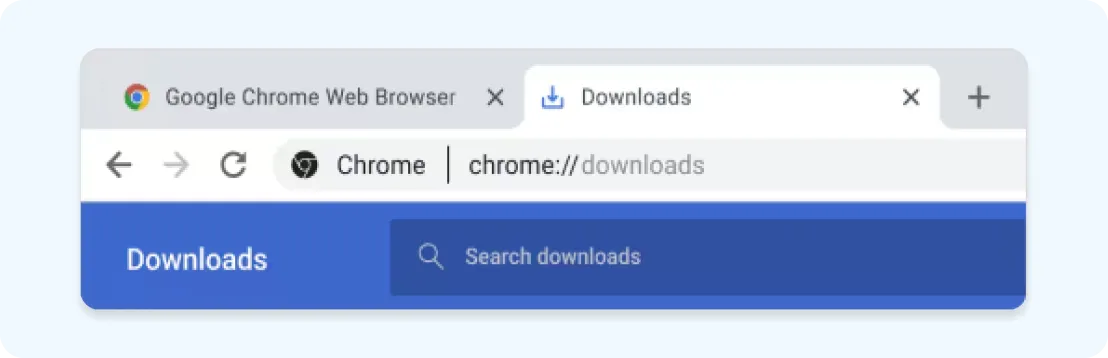
Download not working?
Step 1
Open
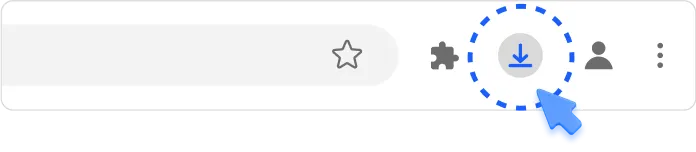
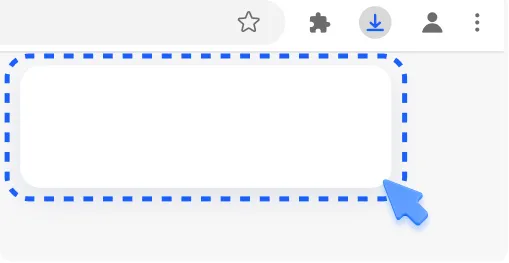
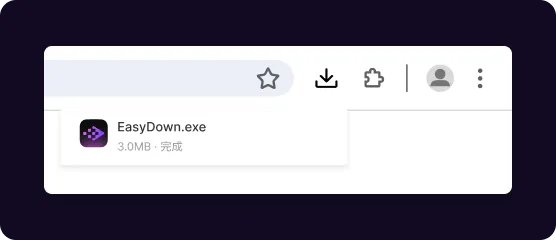
Open the installer file from the downloads list at the top-right corner of this window.
Step 2
Allow
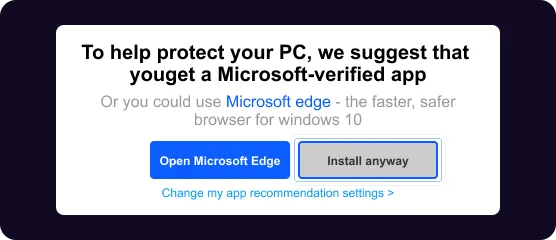
If prompted, click 'Install anyway' and 'Yes' on the system dialogues.
Step 3
Install
Wait for the installation to finish, then begin to use EasyDown and own the videos you like.
Need more help?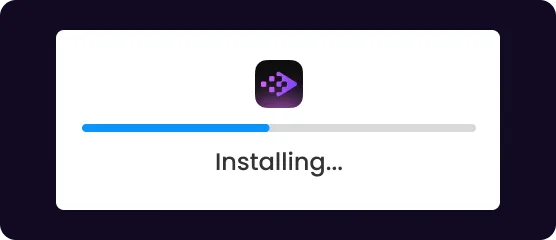
Product Reviews From Our Partners & Users

“ EasyDown embraces a minimalist design, making the download process astonishingly simple. Just copy and paste a video link, and the system instantly recognizes it, offering download options. It’s the perfect choice for tech novices ”

Anna L
“ I use EasyDown mainly for saving online lectures from YouTube. Having offline access helps me a lot when revising. The tool is straightforward, no ads, no distractions. I like that I can also extract just the audio when I only need to listen while commuting. ”

“ Since using EasyDown, I’ve saved all my favorite playlists from YouTube, viral TikTok videos, funny compilations from Facebook, and even Reels from Instagram ”

Mark T
“ As a big music fan, I was looking for a way to keep my playlists offline. Vsave works across platforms like Spotify and YouTube, which is amazing. The free version already offers full downloads, which was a nice surprise. Later I upgraded for faster batch downloads. Great value for money ”
EasyDown is designed with user safety in mind. Unlike shady downloaders, it doesn’t ask for unnecessary permissions or require installations. Just paste your link, choose your format, and download safely

Carlos M
“ I travel a lot and often don’t have reliable internet. Vsave lets me download shows, podcasts, and playlists before I leave. The downloads are fast and I’ve never had corrupted files. It feels like a very stable, trustworthy tool ”