
Online Video/Music Downloader
Support all major platforms. Convert videos and music to MP4/MP3 with one click. No installation required. Simply paste a link to start for free.


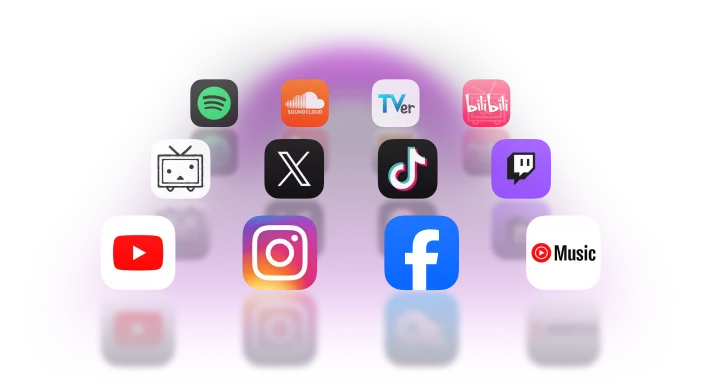
Supports 1,000+ Websites

-

Video Sites
YouTube, TikTok, Twitch, NicoNico, Tver, Dailymotion, Bilibili, and more
-

Music Sites
Spotify, YouTube Music, SoundCloud, and more
-

Social Media
Twitter, Instagram, Facebook, and more
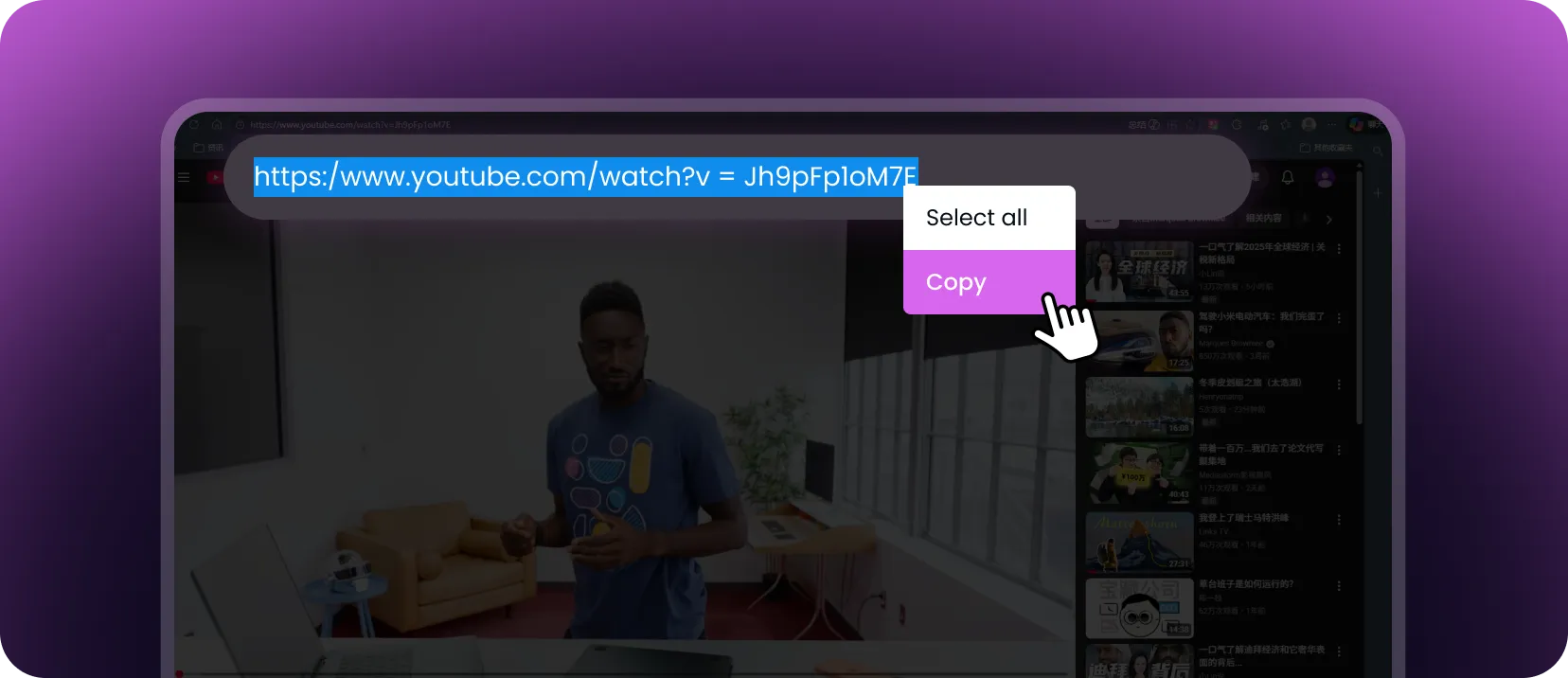
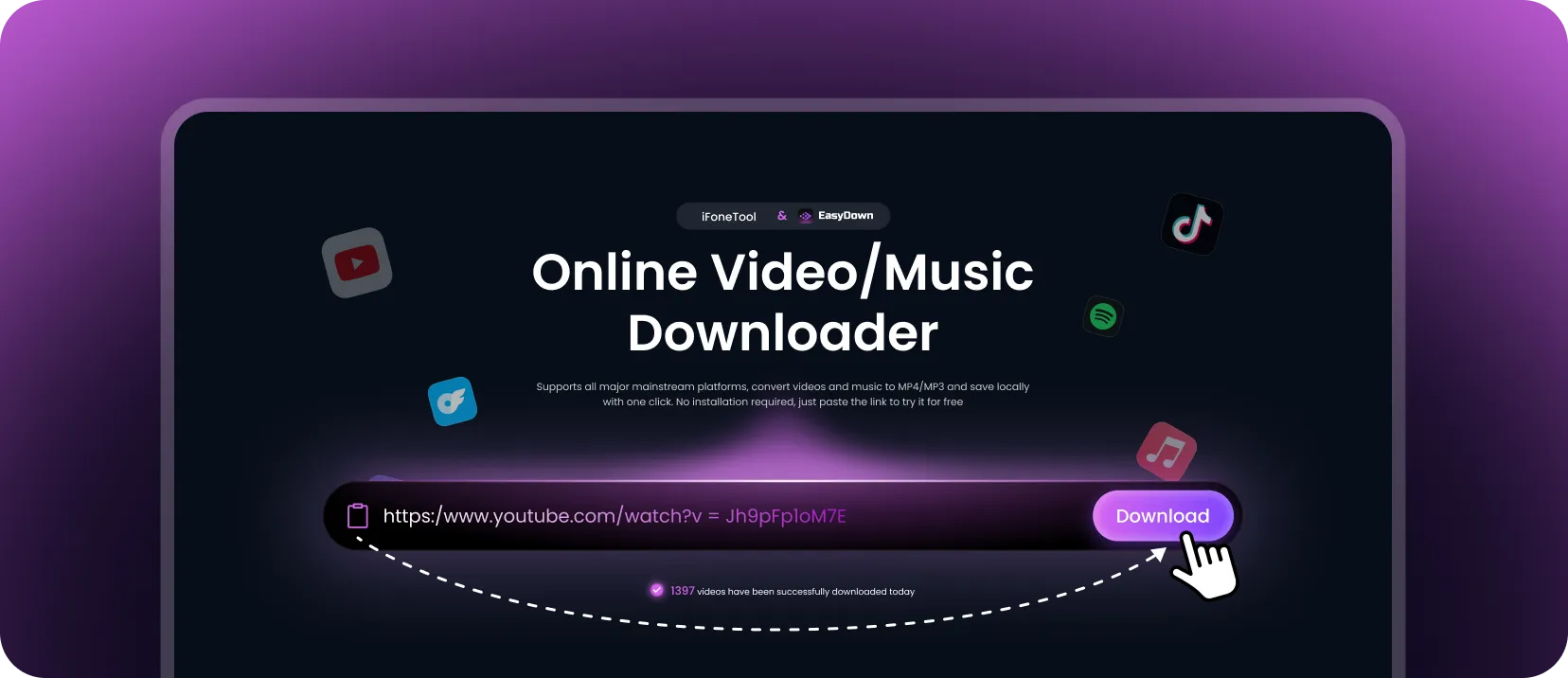
How to Download Videos and Audio to PC or Mobile
Why EasyDown is Your Best All-in-One Downloader
-

Lossless Quality
Preserves original video and audio quality without compression. Supports up to 1080p & 320kbps with no watermarks
-

Batch Downloading
Supports playlists and albums. Select exactly which items you want to download in one go
-

No Length Limits
High-speed support for long videos. Easily save TV series, movies, and live streams of any duration
-

100% Ad-Free
No pop-ups or forced redirects. Enjoy a clean, safe, and uninterrupted downloading experience
-

Regular Updates
Continuously maintained team to ensure compatibility with the latest platform changes and high success rates
-

Download Subtitles/CC
Extract subtitles with the video. Perfect for learning, archiving, or content editing
-

Works on All Devices
Compatible with Windows, macOS, iOS, and Android. Works smoothly on Chrome, Safari, Firefox, and more
-

Privacy Protection
Files are automatically deleted from our servers after downloading to ensure your data privacy
- Low Quality Only
- Single File Only
- Short Videos Only
- Annoying Ads & Redirects
- Low Success Rate
- Slow Speed / Wait Times
Upgrade to Pro for Unlimited Downloads
Short-term Plan
1-Month Plan
just$9.99 for 1 month
Billed monthly as $19.99 / $49.99 after

Best Value
1-Year Plan
$4.17 /Month
Billed yearly as $49.99 / $99.99
| Features | Free Version | Pro Version |
|---|---|---|
| Full Video/Audio Download | 1 times | Up to 100 times in 24 hours |
| Duration Limit | Unlimited | Unlimited |
| Supported Formats | MP4、MP3 | MP4、MP3 |
| Quality | All source qualities available | All source qualities available |
| Supported Sites | All Supported Sites | All Supported Sites |
| Playlist Batch Download | ||
| Subtitle Download | ||
| Ad-free Experience |
-
 t***k@gmail.com buy 1-Month Plan just now
Frequently Asked Questions
-
1. How do I download any videos from any website?
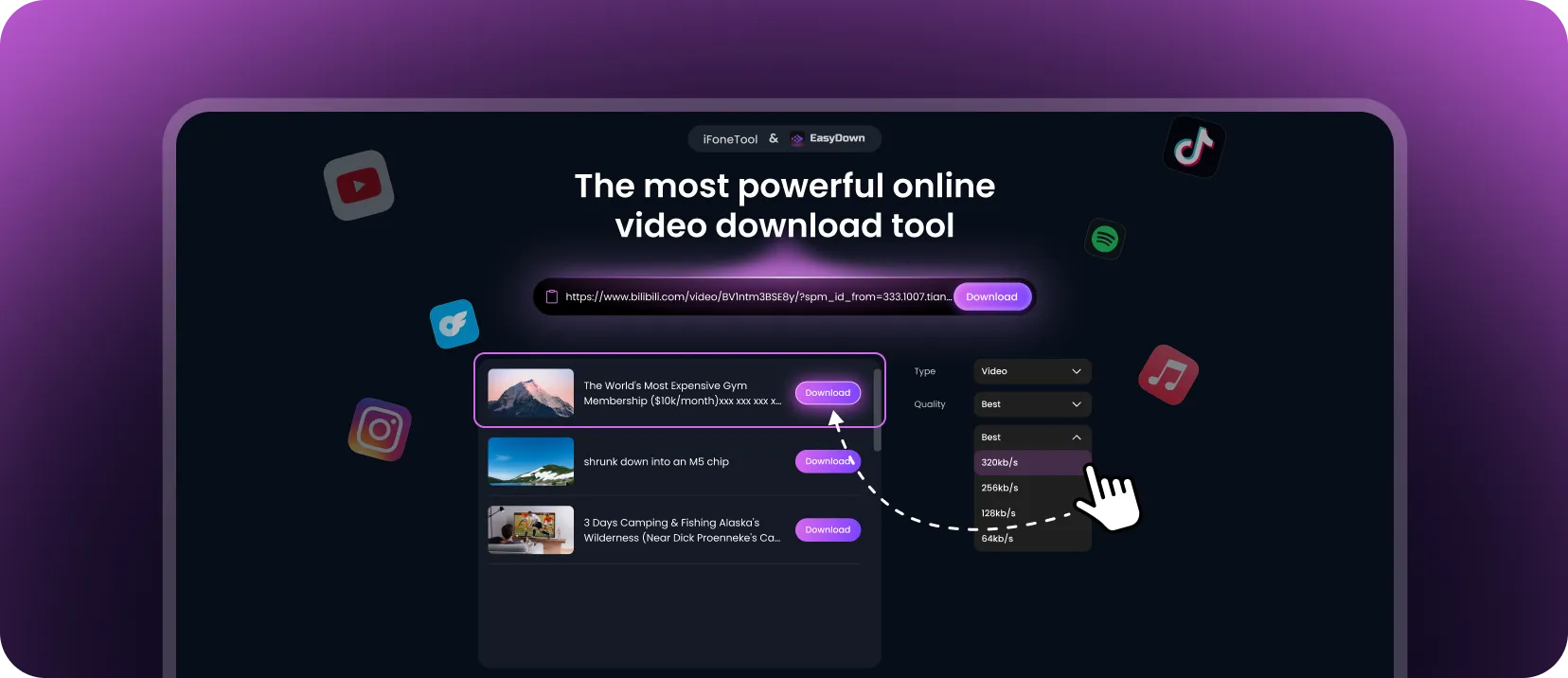
Simply copy the video link from your browser, paste it into EasyDown’s input box, and click download. After the video is parsed, choose your preferred format and quality, then save it to your device.
-
2. Is EasyDown safe to use?
Yes, it is 100% safe. EasyDown contains no viruses, malicious ads, or harmful links. We do not track or store your download history. Your privacy and device security are fully protected.
-
3. Can I use EasyDown to download videos on my phone?
Absolutely. EasyDown works on any device, including computers, smartphones, and tablets, and is not restricted by operating system. As long as you have an internet connection and a browser, you can use it without installing any apps or software.
-
4. Do I need to register or log in?
No need to log in to any video or music platform accounts (such as YouTube, Spotify, etc.), but you do need to create and log in to your EasyDown account to access subscription benefits and ensure stable downloads.
-
5. Where are my files saved after downloading?
Files are automatically saved to your browser's default "Downloads" folder. We do not store files on our servers. You can check your browser's "Downloads" history (usually in the top-right menu) to view or locate your files.
-
6. Can I extract just the audio from a video?
Yes. After analyzing the video link, you will see an option to download the audio separately in MP3 format.
-
7. What should I do if the download fails?
Please try the following troubleshooting steps:
· Ensure the URL is correct and the source video is playable (make sure it is not private, deleted, region-locked, or members-only).
· Refresh the page and try again.
· Try using a different browser or network connection.
· Clear your browser cache and try again.
If the issue persists, please contact us at https://www.ifonetool.com/contact-us/. -
8. Can websites see if you download a video?
No. EasyDown does not require you to log in to the video or music platform, and we do not notify or share any download activity with third-party websites. Your downloads are processed privately.